
M3U Converter for IPTV
Convert M3U links to Xtream Codes or generate M3U from Xtream details instantly. Fast, secure, and built for FireBox IPTV users.
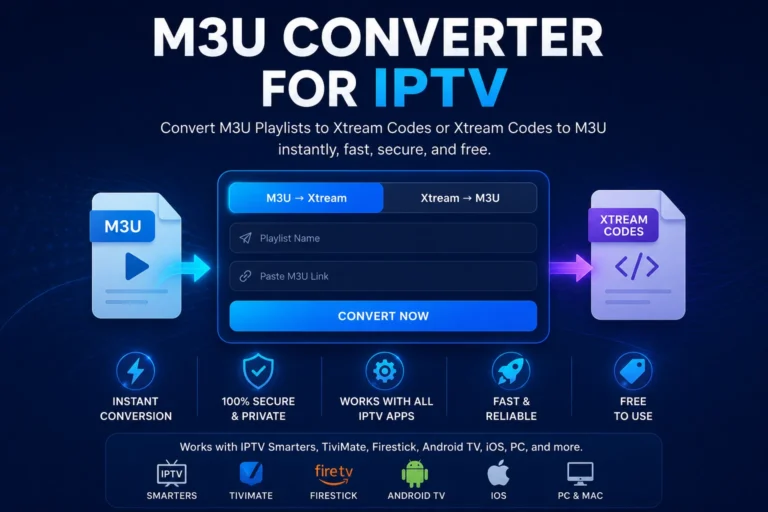
How the M3U Converter Works
Convert your IPTV details in seconds — no technical knowledge required.
This IPTV M3U converter simplifies the process of converting IPTV links, making it accessible even for beginners with no technical knowledge.
Works with Your Favorite IPTV Apps
Use your converted M3U or Xtream details across all major IPTV platforms.
Start Earning with IPTV Today
Launch your IPTV business with FireBox. Fast setup, stable streaming, and recurring income from day one.
Our IPTV M3U Converter helps users quickly transform M3U playlists into Xtream Codes and vice versa, making IPTV setup easier across all devices and apps.
Best IPTV Converter & M3U Converter Online
Our free IPTV converter is one of the easiest tools to convert M3U playlists and Xtream Codes instantly.
Whether you're using IPTV Smarters, TiviMate, or any IPTV player, this M3U converter helps you generate the correct format in seconds.
Unlike other IPTV tools, FireBox IPTV converter focuses on speed, simplicity, and privacy — no data is stored, and conversions happen instantly in your browser.
If you're looking for a reliable IPTV M3U converter, this tool is optimized for all devices including Firestick, Android TV, mobile, and PC.
What is an IPTV Converter & How Does an M3U Converter Work?
An IPTV Converter allows users to convert IPTV formats such as M3U playlists and Xtream Codes, making IPTV subscriptions compatible with a wide range of streaming applications. Popular IPTV apps including IPTV Smarters, TiviMate, IBO Player, and other IPTV players support these formats for fast and reliable streaming.
With an M3U Converter, you can quickly generate a working IPTV playlist, extract IPTV login details, or convert Xtream Codes credentials into a format supported by your preferred IPTV application. This simplifies the IPTV setup process and helps users access their IPTV service across multiple devices.
An IPTV M3U Converter is especially useful for users who switch between Smart TVs, Android TV devices, Firestick, smartphones, tablets, Windows PCs, and IPTV player apps. Instead of manually configuring settings, the converter helps create a compatible playlist that works instantly.
Xtream Codes are often preferred because they provide a fast login experience and improved account management, while M3U playlists offer broader compatibility with IPTV players. Using a reliable IPTV M3U Converter ensures better device compatibility, easier installation, and smoother streaming performance.
To better understand the technical structure of M3U playlists and playlist compatibility, users can review the official M3U playlist format guide .
For additional IPTV player compatibility information, users can also explore IPTV Smarters , one of the most widely used IPTV player applications for Smart TVs, Android devices, Firestick, Windows PCs, Mac computers, and iOS devices.
Whether you need an IPTV playlist for IPTV Smarters, TiviMate, Smart TV apps, Android devices, or Firestick, an IPTV Converter helps streamline the process and reduces setup complexity. Most users can complete their IPTV configuration in just a few minutes.
This IPTV Converter is optimized for speed, simplicity, and privacy. No data is stored on our servers, and all conversions are processed instantly within your browser for maximum security and convenience.
Frequently Asked Questions
Everything you need to know about M3U, Xtream Codes, and IPTV setup.